
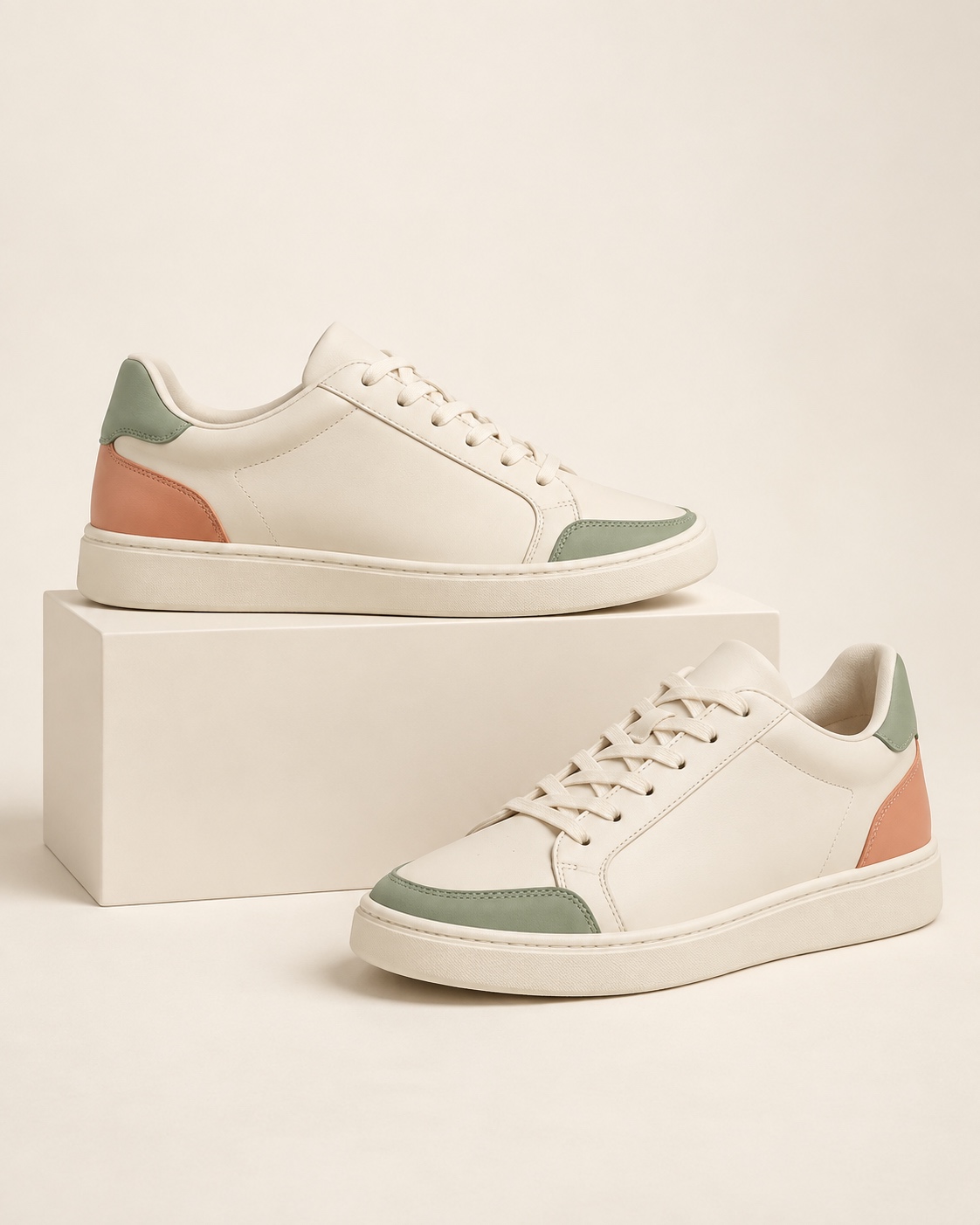
★★★★★Made for every day.
Comfortable from the very first wear.
Example reviewPRODUCT & STORE REVIEWS FOR SHOPIFY
Collect photo and video reviews, automate requests and create review widgets that feel like part of your brand. All connected to your marketing in Sendvio.
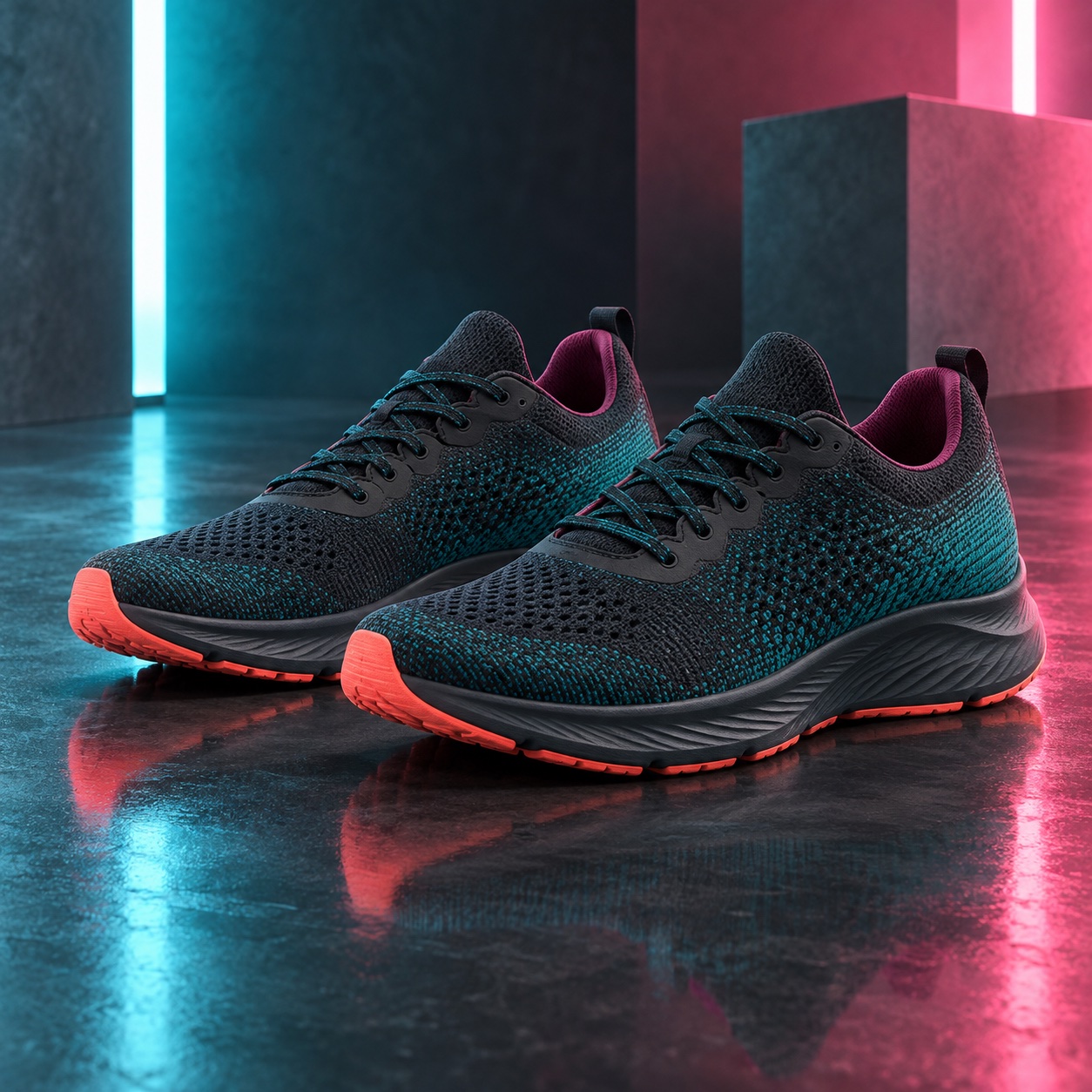

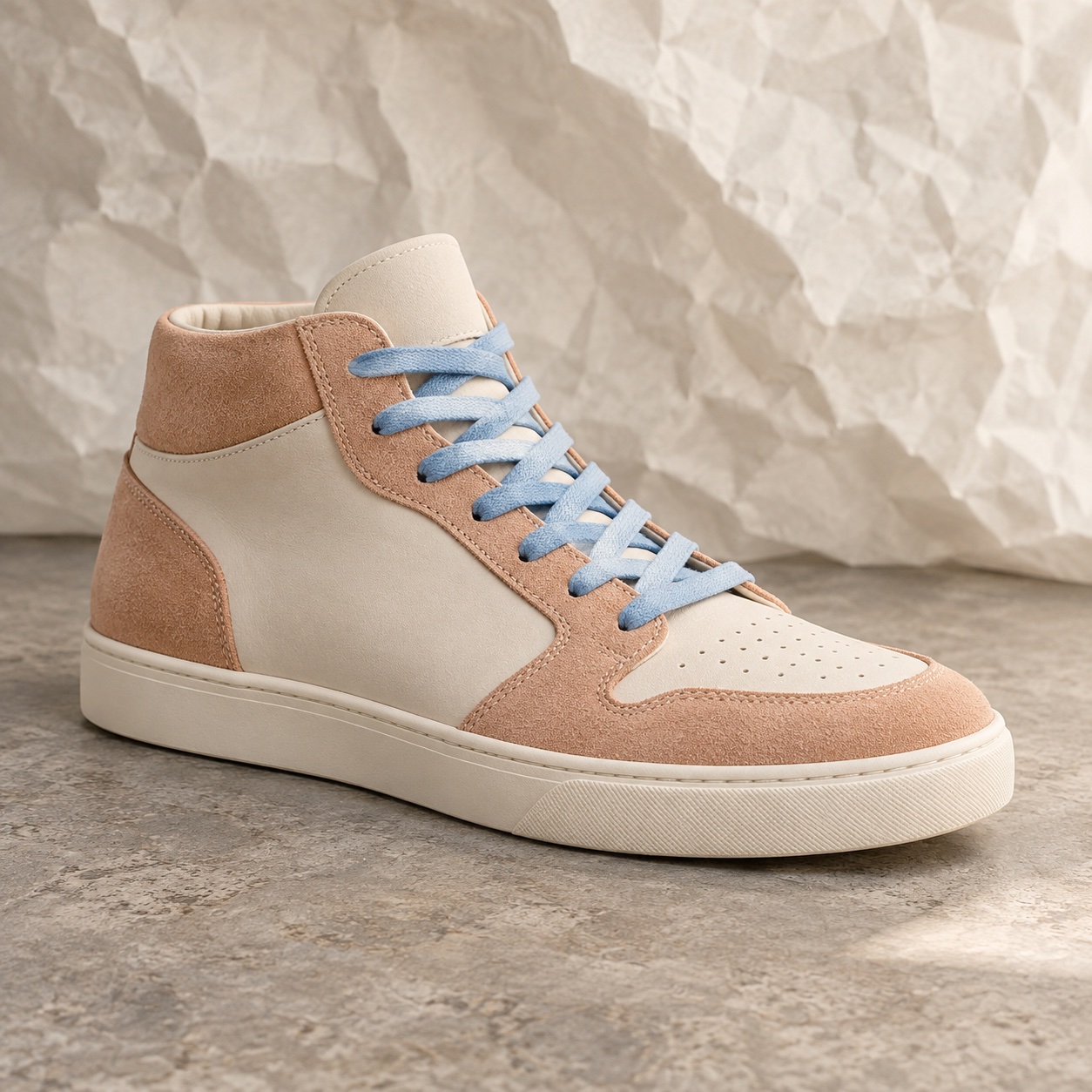
Comfortable from the first wear, with a fit that feels just right.
Example review · Size 8Comfortable from the very first wear.
Example reviewThe colors look even better in person.
Example reviewEasy to style for everyday wear.
Example reviewJust the right fit for a day on my feet.
Example reviewComfortable from the very first wear.
Example reviewThe colors look even better in person.
Example reviewEasy to style for everyday wear.
Example reviewJust the right fit for a day on my feet.
Example reviewComfortable from the very first wear.
Example reviewThe colors look even better in person.
Example reviewFind your next favorite. See why customers love theirs.
“Just the right fit. Ready for wherever the day takes me.”
Ratings, customer media and product feedback in one place.
Bring customer stories into focus, one card at a time.
Let shoppers see the product through your customers’ eyes.
Create a gallery of customer photos, videos and written reviews.
Put customer ratings beside your product and give shoppers a direct path to the reviews.
Keep reviews one click away with a floating tab that takes shoppers straight to customer feedback.
COLLECT
Give customers an easy way to share their experience, with requests that reflect your brand and arrive at the right moment.
Tell us what you think. Your experience helps the next shopper find their perfect fit.
Set timing by order or product. Follow up with customers who haven’t responded and personalize the request email.
Collect product and store reviews. Add custom questions and variant details for context such as fit, size and use.
Use email and SMS links, QR codes, storefront forms and dedicated review pages, including supported Shopify customer account and order experiences.
Invite previous customers or a targeted audience to contribute, with a message suited to their purchase.
DISPLAY & PERSONALIZE
Choose a format for the placement, then adjust the details to match your brand.
MANAGE & UNDERSTAND
Organize reviews, respond to customers and help shoppers make sense of what others are saying.
Choose publication rules, filter spam and profanity, and preserve authentic customer feedback.
Draft a response in your brand’s tone, review it and reply to the customer.
Make recurring themes in product and store reviews easier to understand.
Keep practical answers beside customer feedback, close to the purchase decision.
Group related products and display variant details, customer media and purchase verification.
Help search engines understand eligible ratings and reviews. Search engines determine how results appear.
REVIEWS MEET YOUR MARKETING
Build review requests, reminders, thank-you messages and reward offers into your post-purchase automations. Use Sendvio AI to create the messages faster, then refine timing and conditions.
Explore post-purchase automations →Connect review events with Shopify Flow.
Offer coupons with clear conditions, send thank-you messages or introduce a referral offer. Rewards should never depend on a positive rating.
IMPORT & MIGRATION
Bring reviews from spreadsheets or another Shopify review app. Map fields to the right products, check the results and keep building on the feedback you’ve already collected.
Get personalized migration assistance →Personalized assistance is included in every paid plan.
Import the feedback and customer media you want to carry forward.
Map fields and check product associations before publishing.
Personalize your widgets and configure requests for future purchases.
A FEW MORE DETAILS
Yes. Bring existing reviews into Sendvio through imports, map them to the correct Shopify products and review the result. Migration support can help organize the transition.
Yes. Collect written reviews with photos or videos and display them in review widgets, galleries and carousels that match your storefront.
Yes. Use AI to draft replies in your brand’s tone and summarize review themes. Review the work and keep control of publication and customer communication.
Yes. Configure a coupon reward with clear conditions, or introduce a referral offer in a post-review message. Keep the invitation to share honest feedback separate from the offer, and do not make rewards depend on a positive rating.
This review offering is for Shopify stores. The capabilities described here focus on collecting, managing and displaying reviews for your Shopify business.
No. Structured data helps search engines interpret eligible review information, but Google decides whether and how rich results appear.
REVIEWS, CONNECTED TO SENDVIO
Collect reviews, make them your own and connect them to your next customer journey.